How do I know I can share?
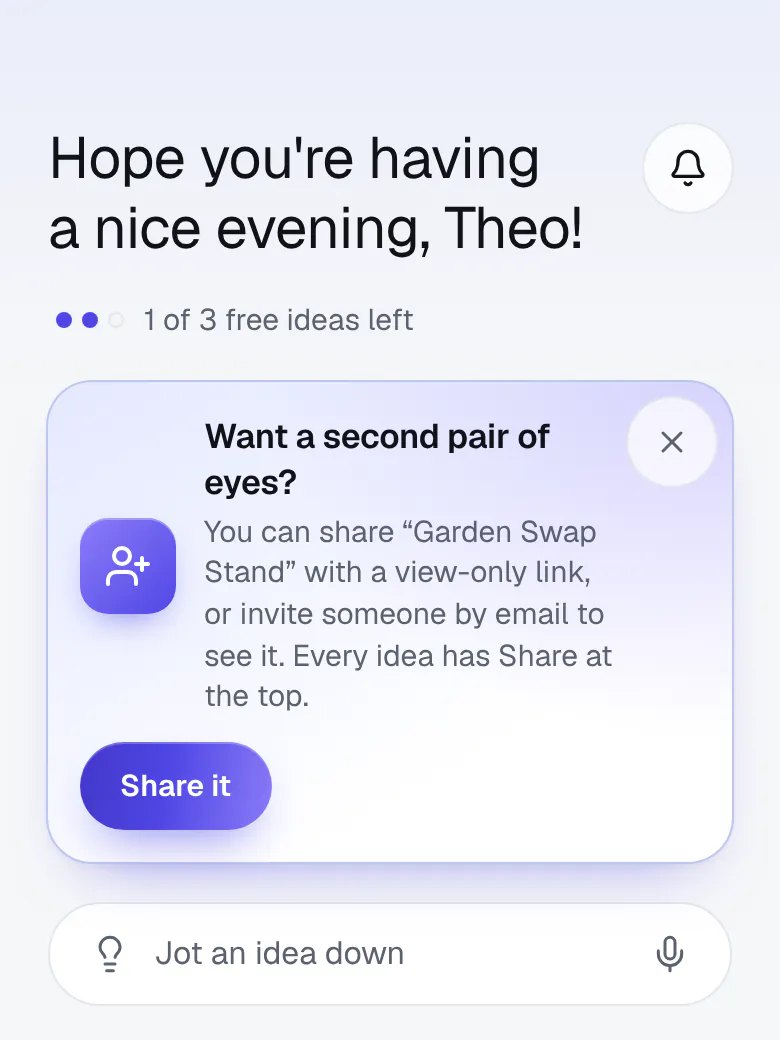
Every idea you own can be shared, and Share is always at the top of it (on a phone, it's the person with a +). You can send a view-only link, or invite someone by email. For the steps, see Sharing an idea.
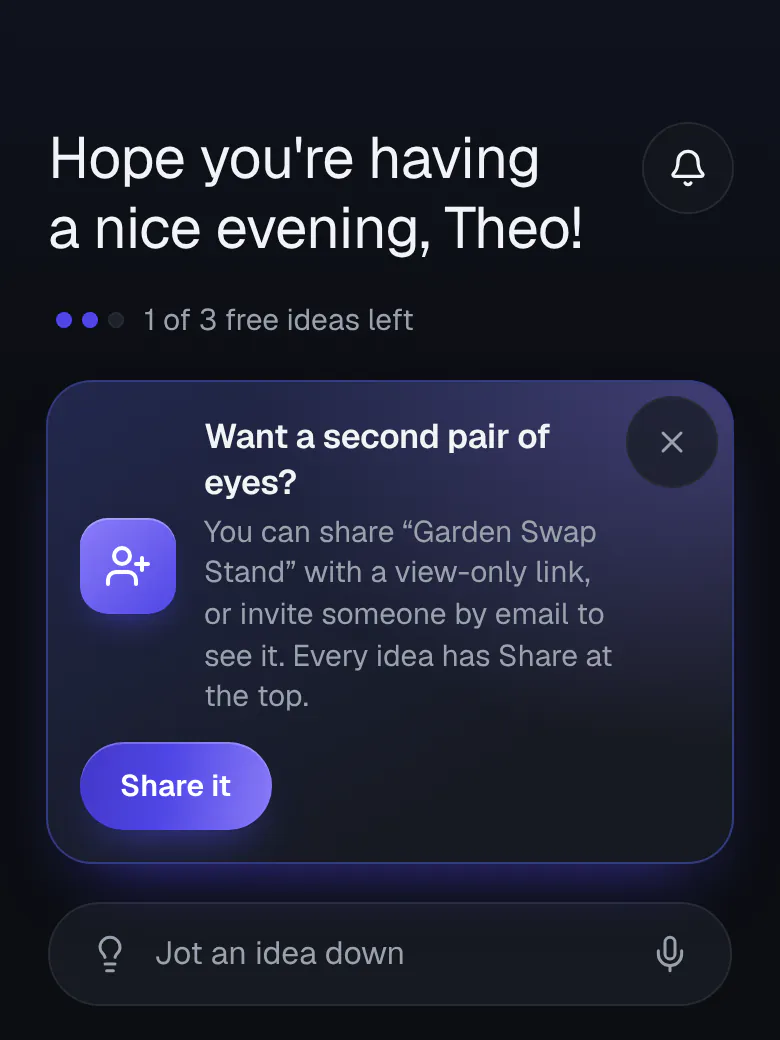
Once your first idea has its write-up, Home shows a card about it one time, with a Share it button that opens that idea's Share sheet. Use it or close it, and it won't come back. Ideas in your Private folder can't be shared.
Ideas people share with you show up in Your ideas, under Shared.