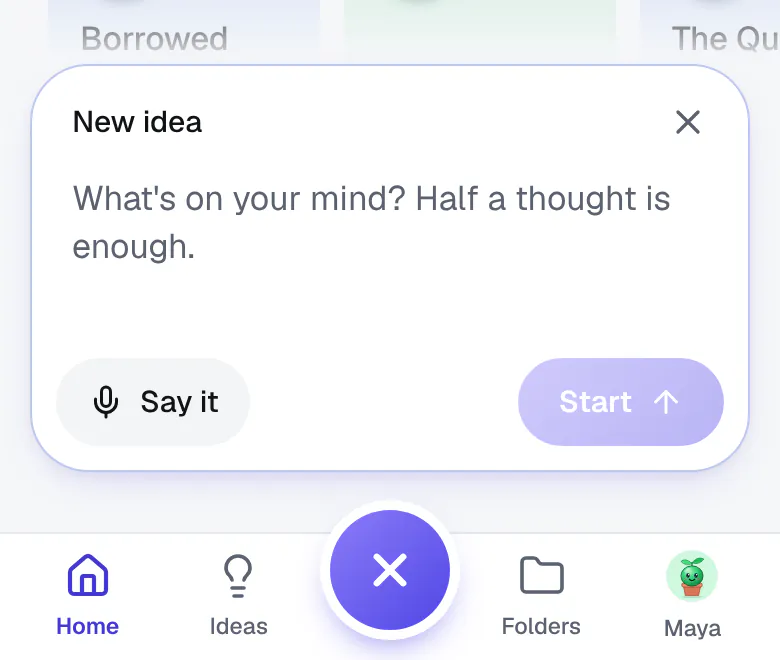
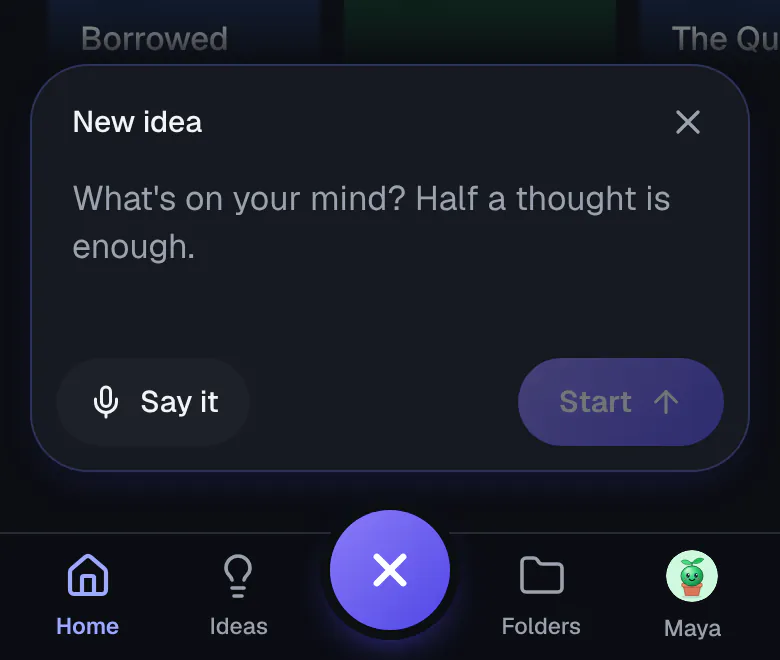
Starting a new idea
On your phone, tap the + in the middle of the bar at the bottom. On a computer, choose New idea at the top of the sidebar. Inside an idea, the + at the top (New idea on a computer) starts another one. Then type or say it, and it gets its own chat and write-up.
Free is 3 ideas in total, each with everything Ideario does. Archiving or deleting one doesn't give it back. When you've used all 3, Ideario keeps what you typed and offers Plus, which has no limit, like Pro.