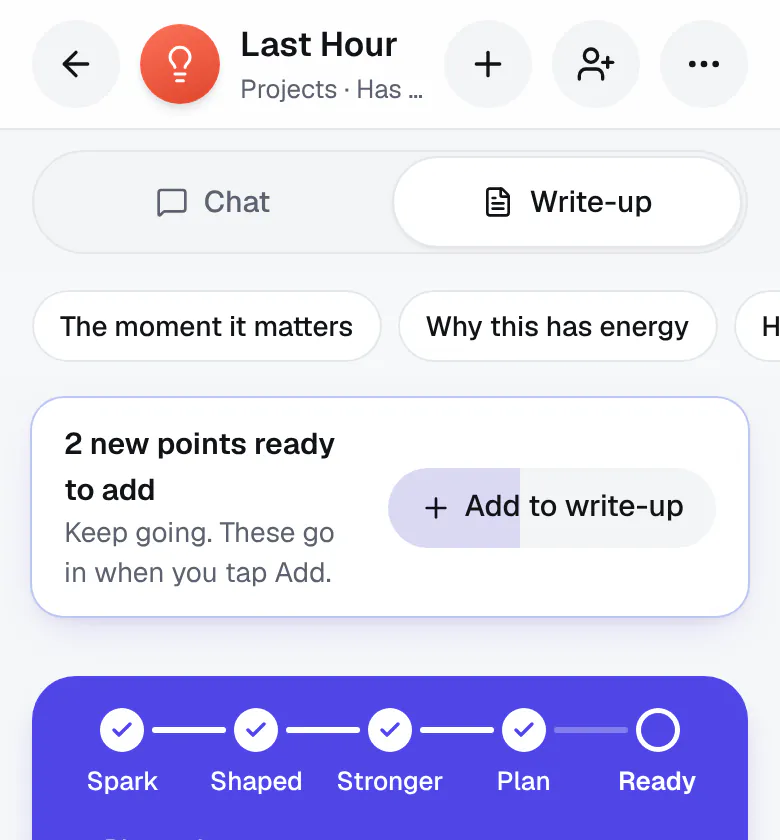
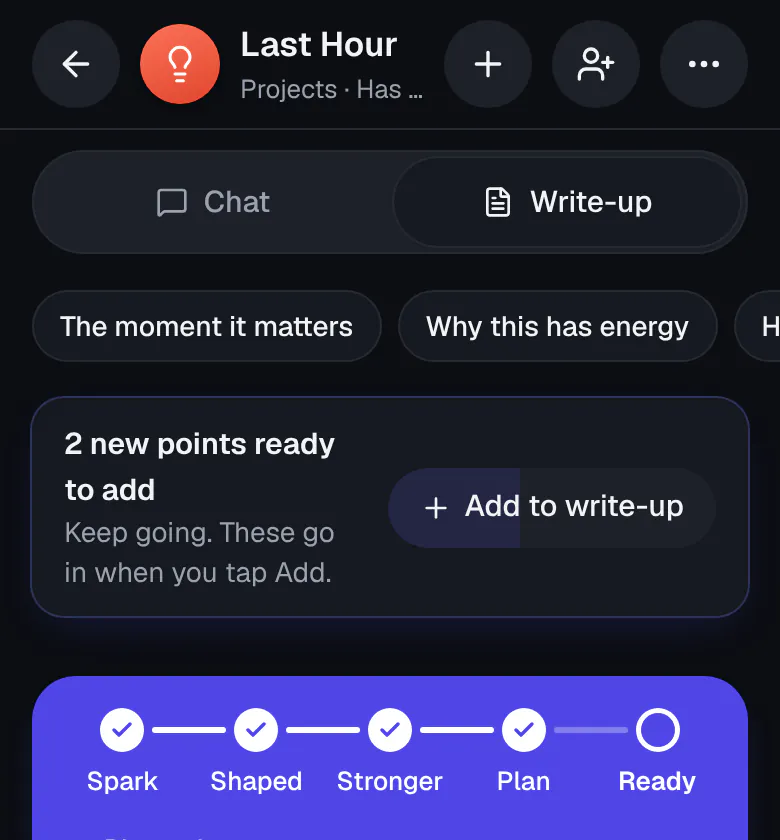
Keep brainstorming, then add to your write-up
After your first write-up and its first update, Ideario gives you room to keep going. It gathers what you say and works it all into your write-up together, once you've paused for a minute or so, or after about five new points.
- While it does, one quiet line says Adding what you said… There's nothing to tap, and nothing to count. The bar that said how many new points were ready to add, and Add to write-up, are gone: it all goes in when you take a breather.
- Leaving the idea, or using a tool on the write-up, puts it in too.
Ideario decides when it goes in, so there's no setting for it. Everything you said is kept, and every version is saved in History.