Seeing what changed in your write-up
When Ideario works new points into your write-up, you can see exactly where.
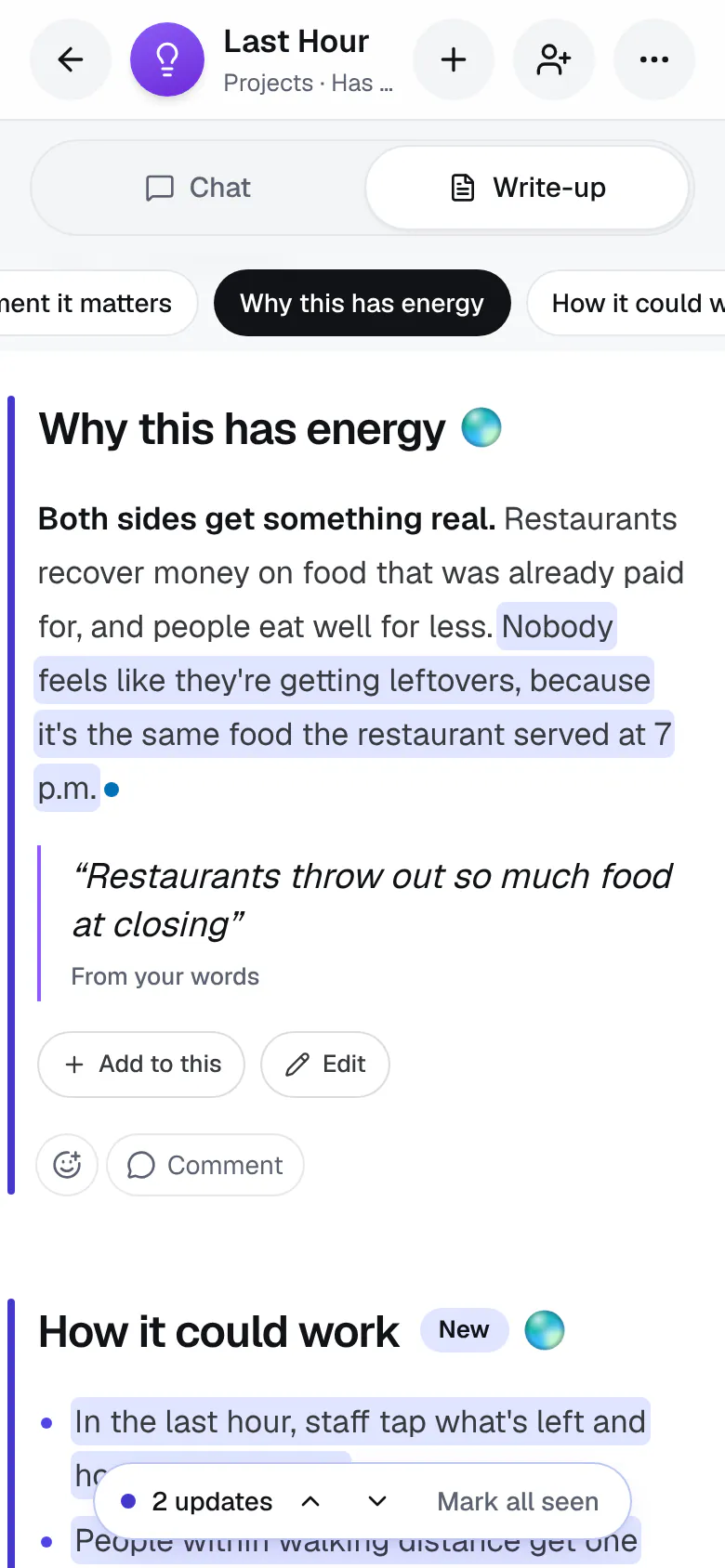
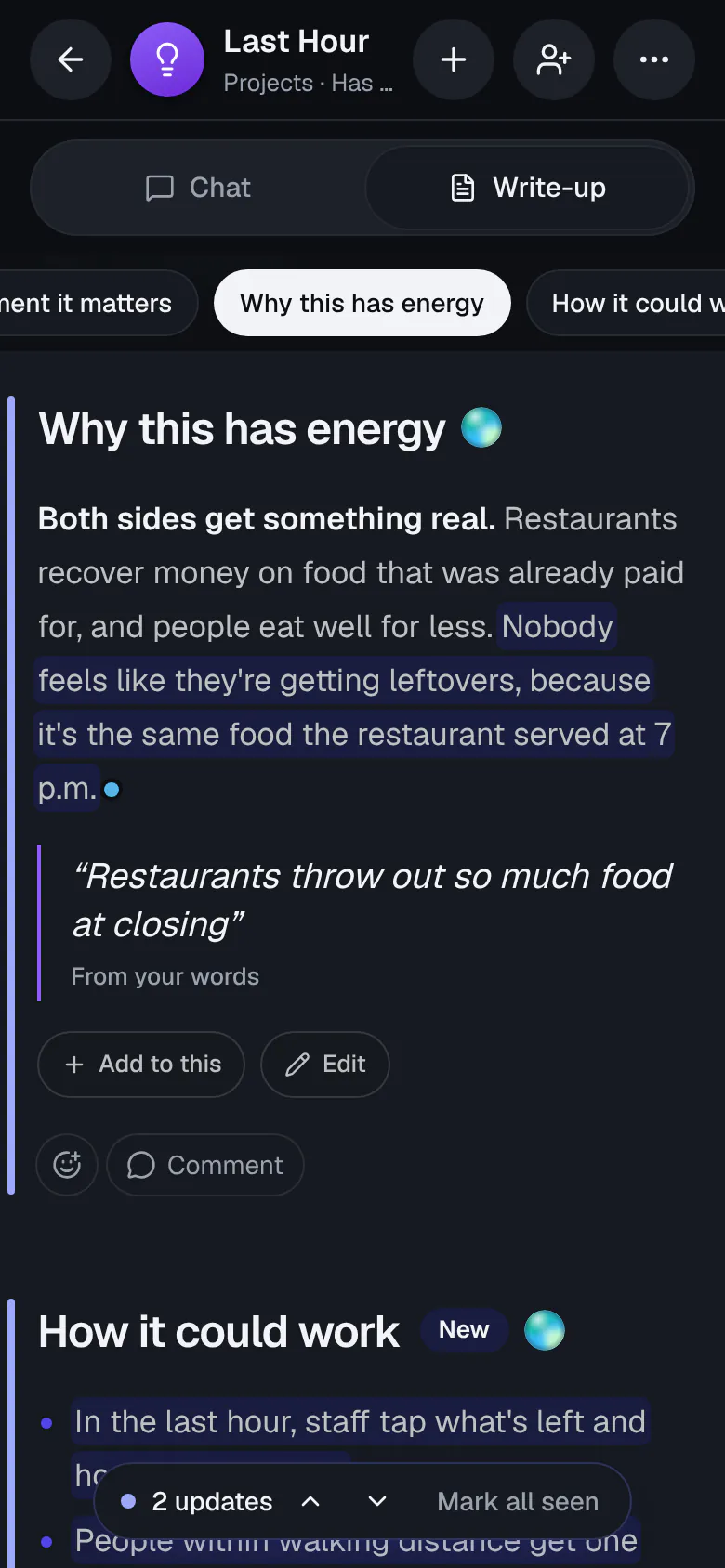
- Sentences that are new or reworded have a soft highlight, in your own app color where your write-up has Show. Changed sections have a bar down the side, and a new section says New.
- Under the reply that brought the update, chips list the sections it changed, like Updated: Budget, Timeline, and New: Risks. Tap one to go straight there.
The highlights are the one mark: there's no count to keep up with, and each fades once you've seen it.
When an update you followed from the chat lands, the write-up opens and takes you to each change in turn, pausing a moment on each. Scroll, tap, or press a key and it stops right there, with Resume to carry on. At the end, the little bar says how many changes there were, with arrows to go over them again. With reduced motion on, it jumps from one change to the next instead of gliding. An update you start from the write-up, or one that comes in on its own, doesn't move the page.
To see exactly what an update did, tap See what changed beside its chips. You get the write-up before and after, sentence by sentence: new and reworded sentences highlighted, removed ones struck through where they stood, and the rest as it was. Tap Go to it to jump to that part of the write-up.
When you come back to an idea after a while, a note at the top of the write-up says what changed while you were away, like Changed since Tuesday: 4 sections, with each one to jump to.
A highlight clears on its own once it's been on your screen for a moment, and what you've seen stays seen on all your devices. On a shared idea, each person has their own highlights, and a change that came from someone else's message shows their picture.
On a shared idea you can also see who added what:
- A changed sentence has a small dot after it in the color of whoever's message it came from. Tap it to see who and when, like From Maya, Tue 3:40 PM. A change that mixed two people's points says both.
Only people on the idea's People list are named.