Updating one section at a time
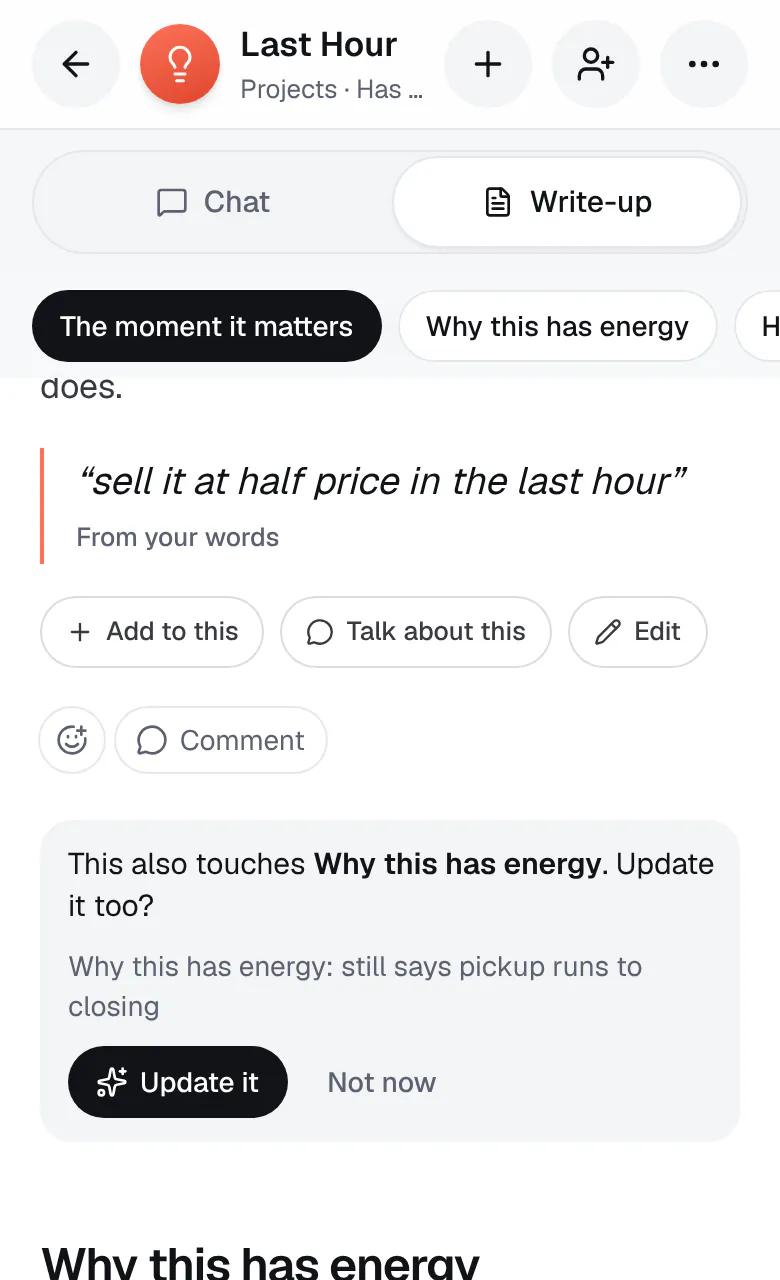
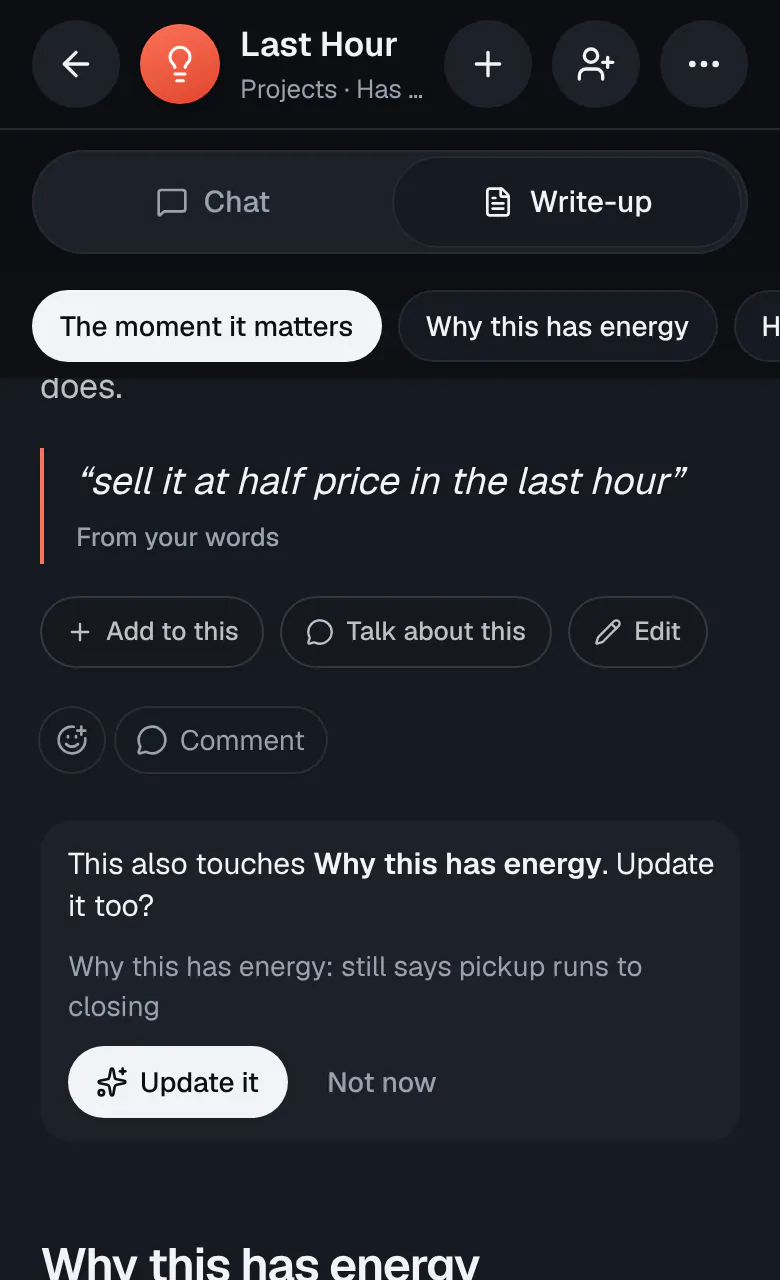
When you tap Add to this under a section, or rework a passage you selected, Ideario rewrites only that section. Every other section stays exactly as it was. If you swapped one price, date, or count for another, the summary at the top of the write-up gets the new one too.
Sometimes a change reaches further. Say you change the price in one section and another section still has the old one. Ideario updates that section too, by itself, and one Undo takes back both.
To have Ideario go over the whole write-up at once, so every section agrees with your latest chat, open the ⋯ menu at the top of the idea, tap Write-up…, then Rewrite all, and confirm. Every version is saved, so you can undo it or go back from Version history.