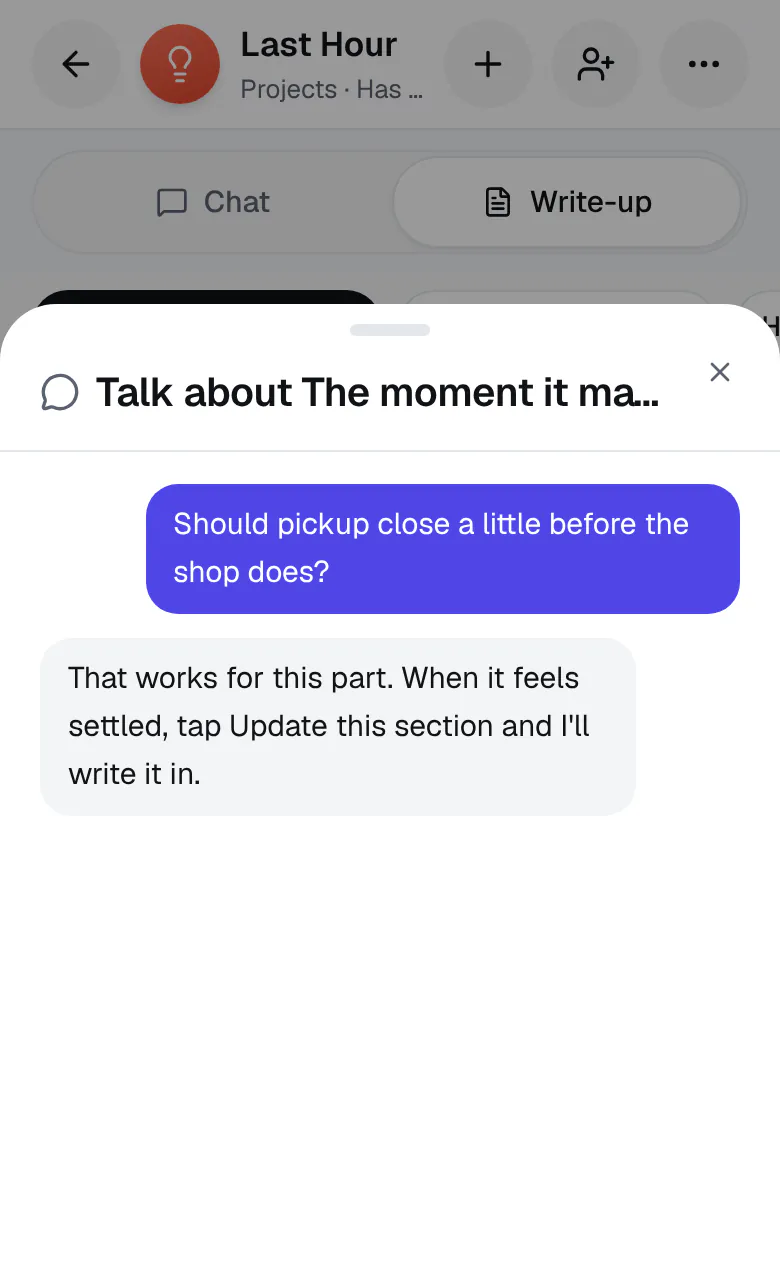
Think one part of your write-up through
Talk about this is part of the main chat now. Tap Add to this under any part of your write-up, and the chat opens with that part named above where you type, like About “Pricing”. Say what to add, what you're unsure about, or what doesn't sound right yet. Ideario replies there as usual, and at the next pause it updates that part by itself. If the change reaches somewhere else on the page, it updates that too, and one Undo takes it all back.
The separate talk for each part, its dot, and Update this section are gone with it: what you said goes into that part by itself at the next pause. Talks you had about a part before are kept.