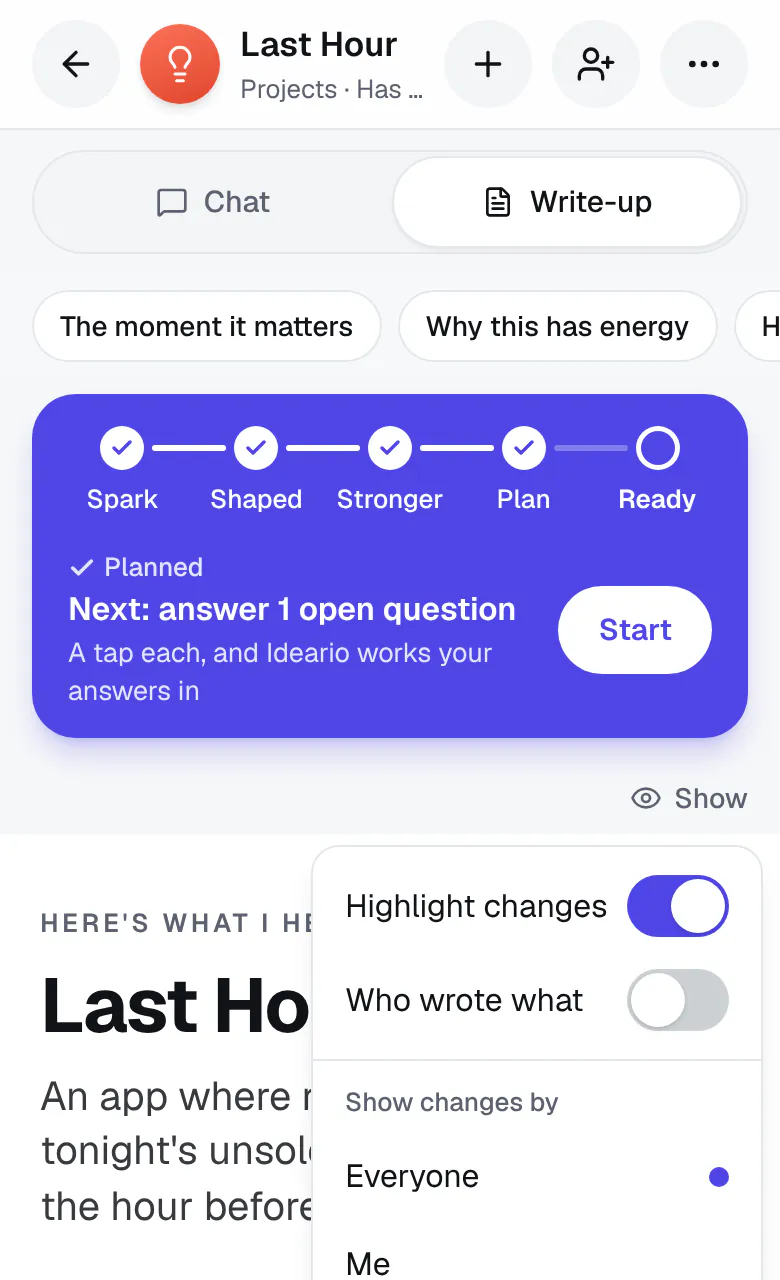
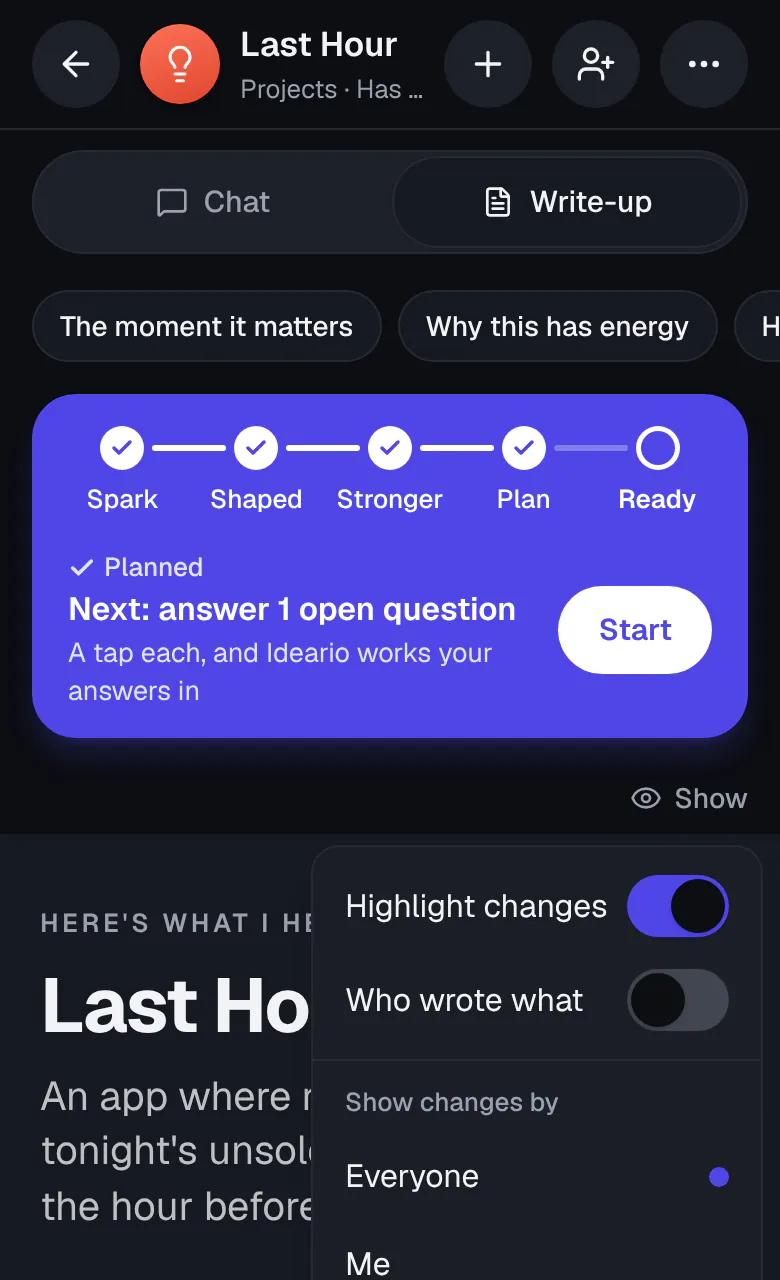
Show: choose what your write-up marks
Show is gone from the top of the write-up. In its place are two words, Read and Work on it. Read is the clean page, with nothing marked. Work on it is the same page with its tools, and with what changed highlighted in a pale shade of your app color until you've seen it. See Read your write-up, or work on it.
Who wrote what and Show changes by are gone too. On a shared idea, the dot on a change still says whose message it came from: tap it to see who and when.