Callouts, big numbers, first steps, and Where it stands
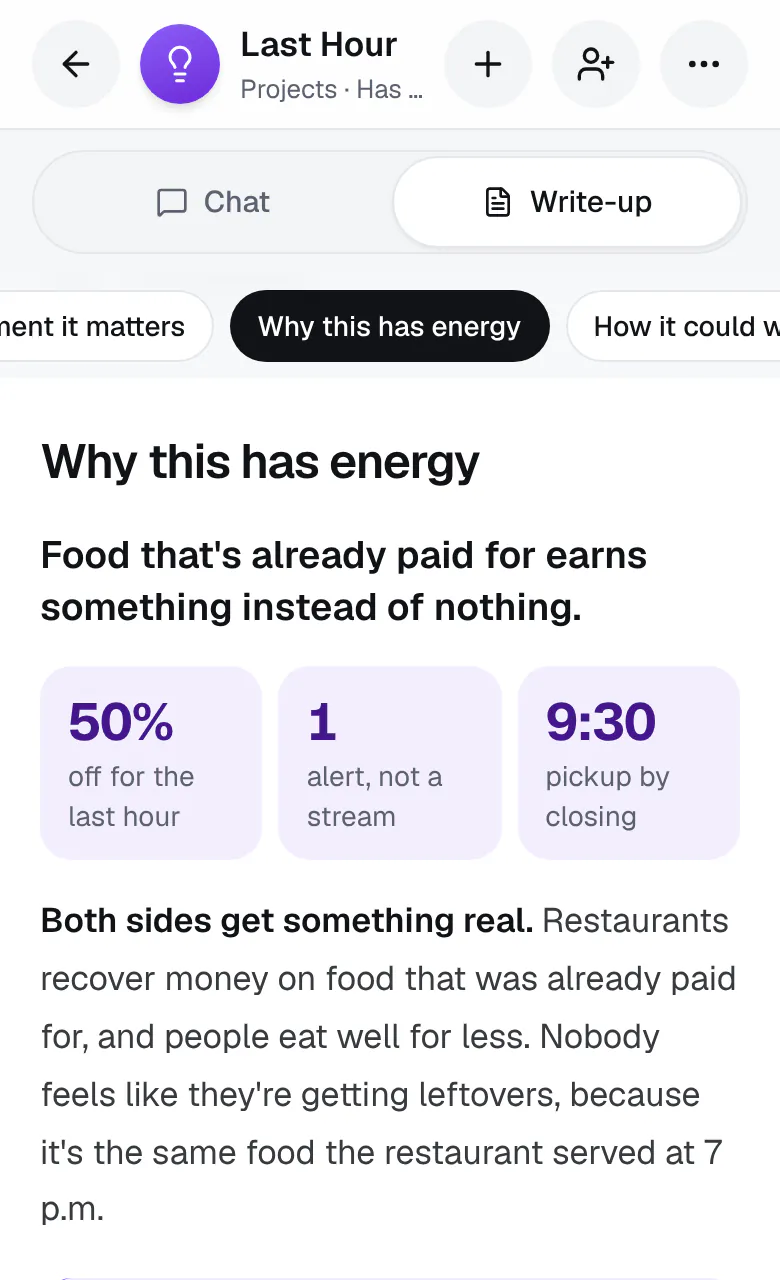
Some parts of an idea read better at a glance. Where it helps, Ideario adds these to a section of your write-up:
- A key line at the top, in bold: the one thing to take away.
- Big numbers for the figures that matter, like a price, a date, or a count.
- A callout: a box in a different color, your idea's own, with the section's main insight.
- A small table, for costs or a side-by-side comparison. On a phone, a wide one scrolls on its own.
- A timeline, for steps with dates.
- First steps, as a list you can check off as you go. Everyone on the idea sees the ticks, and Ideario won't reword or remove one you've ticked.
The full text is always there too, so nothing is left out. A section that grew from something you said shows your words as a pull quote.
At the top, under what Ideario heard you say, what you've decided shows in plain sentences, in place of the Decided tags: the question, then your answer. Answer it again and the sentence changes.
Choose how all your write-ups sound in Settings, under Writing: tap How Ideario writes for you and pick Match the idea, Crisp, Warm, or Playful. A write-up takes the new tone when Ideario next writes it, keeping every fact, number, and decision; parts you wrote yourself stay as they are. Match the idea, the default, gives every idea the tone that suits its kind.
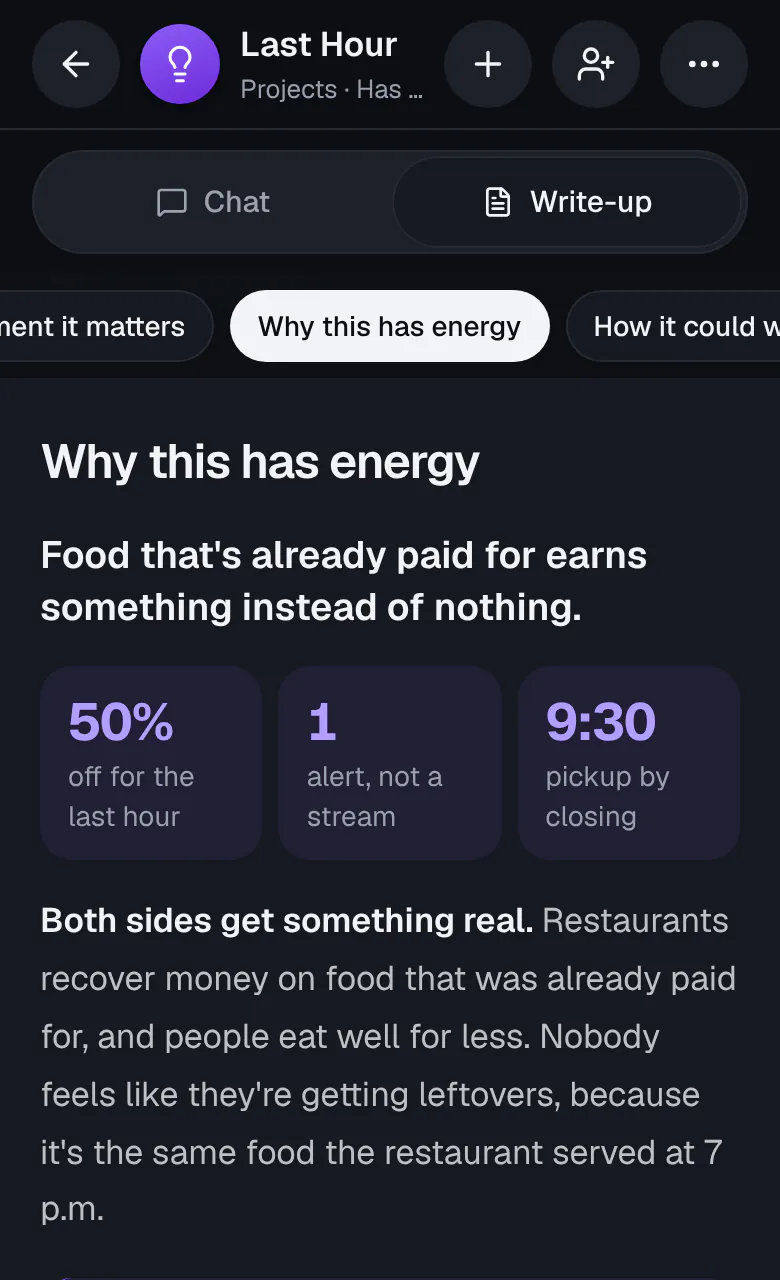
The colors follow your idea's look. Change the look from the idea's ⋯ menu and the write-up changes with it.
Downloads have these too: PDF and Word draw them as on the page, and plain text (.md) writes them as text and tables.